
Mate · AI site engineer
Website broken? Tell Mate. It fixes it.
Describe the problem in plain English. Mate reads your error logs, checks your files and WordPress, then fixes it right there. Every change is backed up, so you can undo it in one click.
A broken checkout, fixed in one chat.
This is the real Mate screen in your Control Panel. You write the problem, Mate shows every step it takes, then tells you what it changed.
- Reads logs and files first
- Shows every command
- Backs up before changing
- Undo in one click
The website problems that ruin your day.
If it lives in your website's files, database or WordPress, Mate can look into it. Hover to pause.
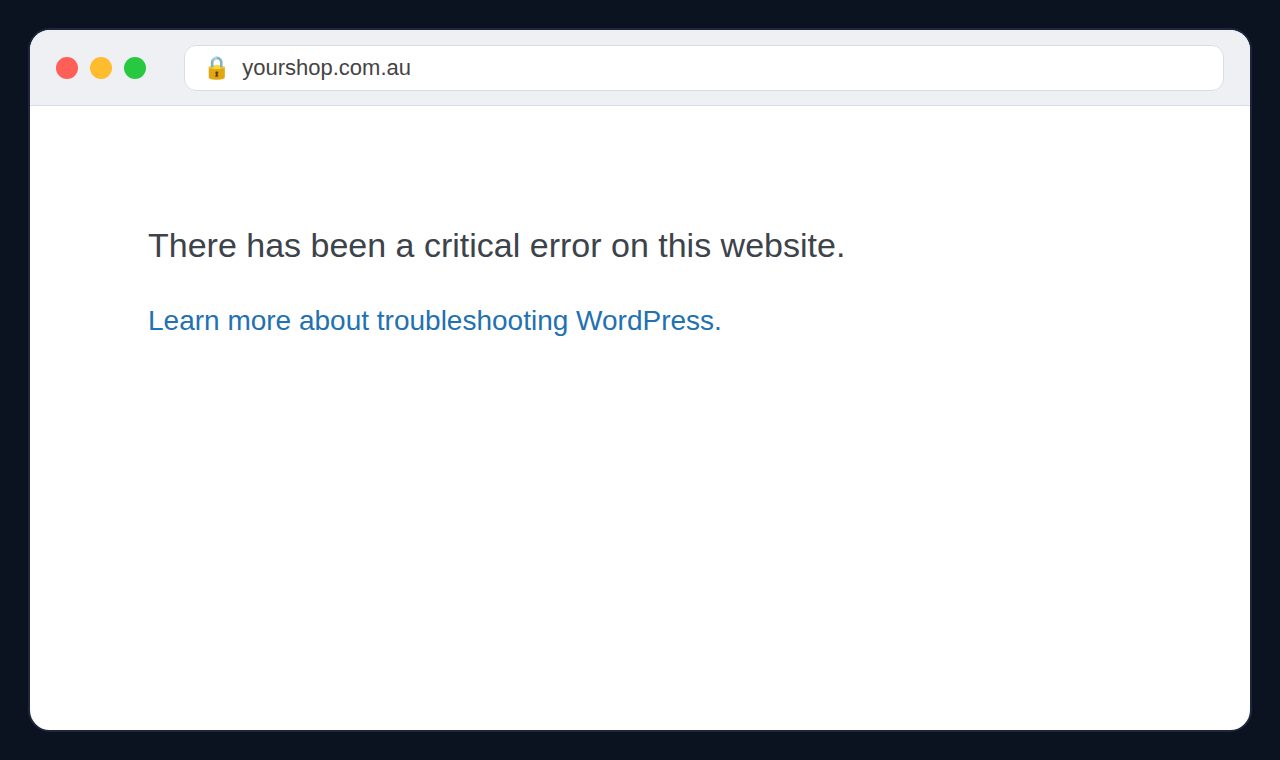
White screen or “critical error”
WordPress crashed after an update. Mate traces the plugin or theme behind it.
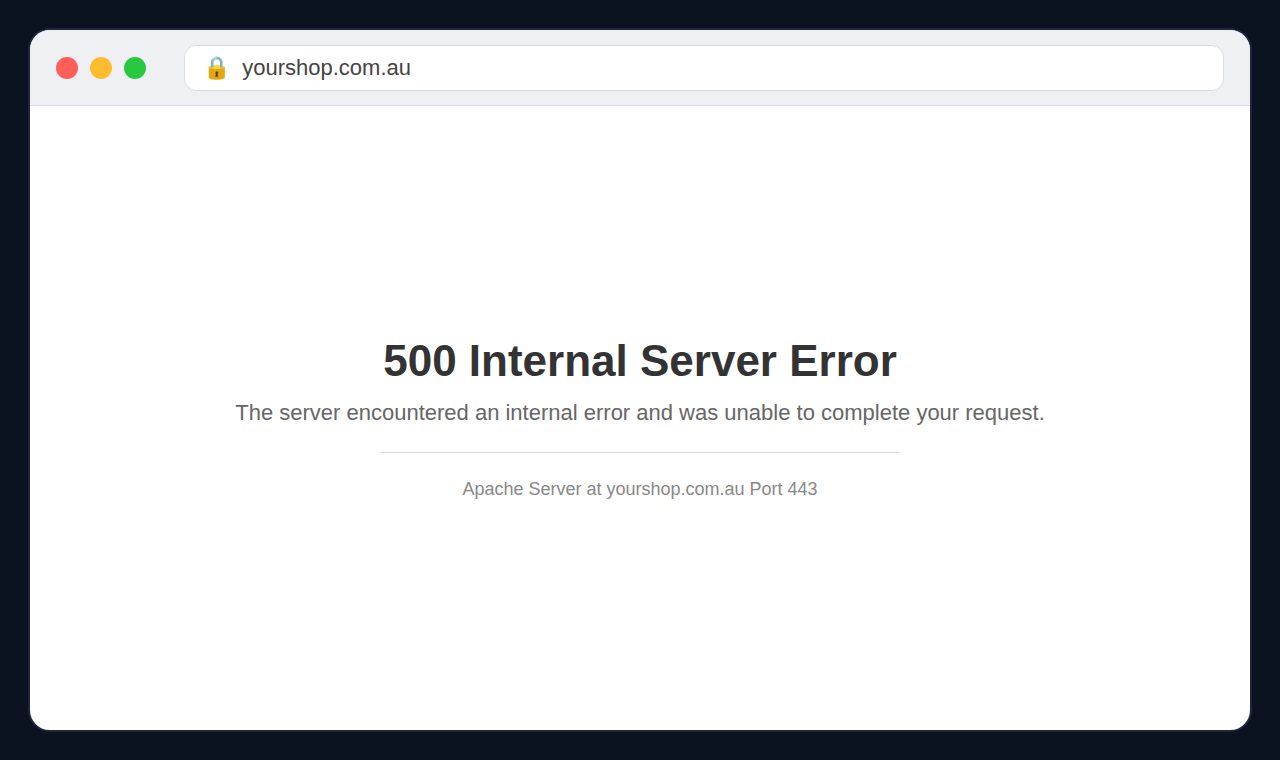
500 Internal Server Error
Mate reads the PHP error log and fixes the file and line that is breaking.
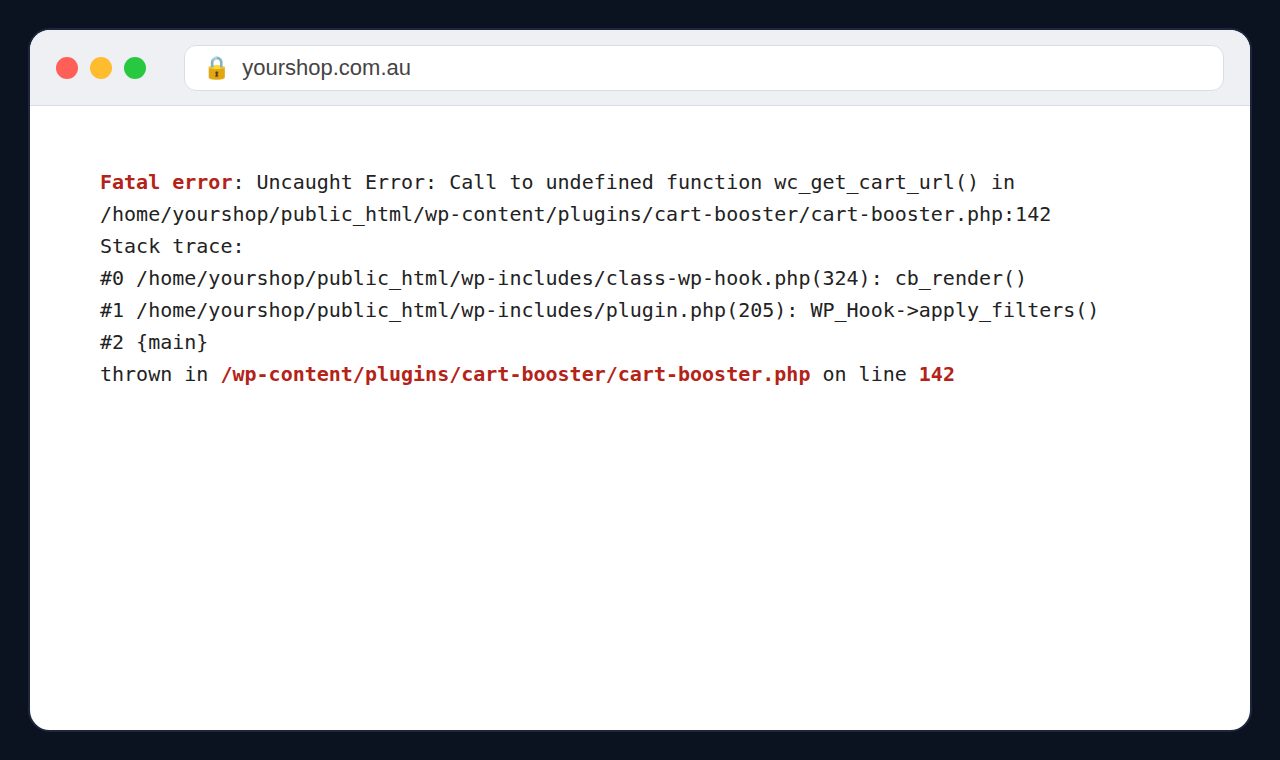
Fatal error after a plugin update
Finds which plugins clash and sorts it without breaking the rest.
Pages that take forever
Checks heavy plugins, caching and database bloat, then tidies what slows you down.
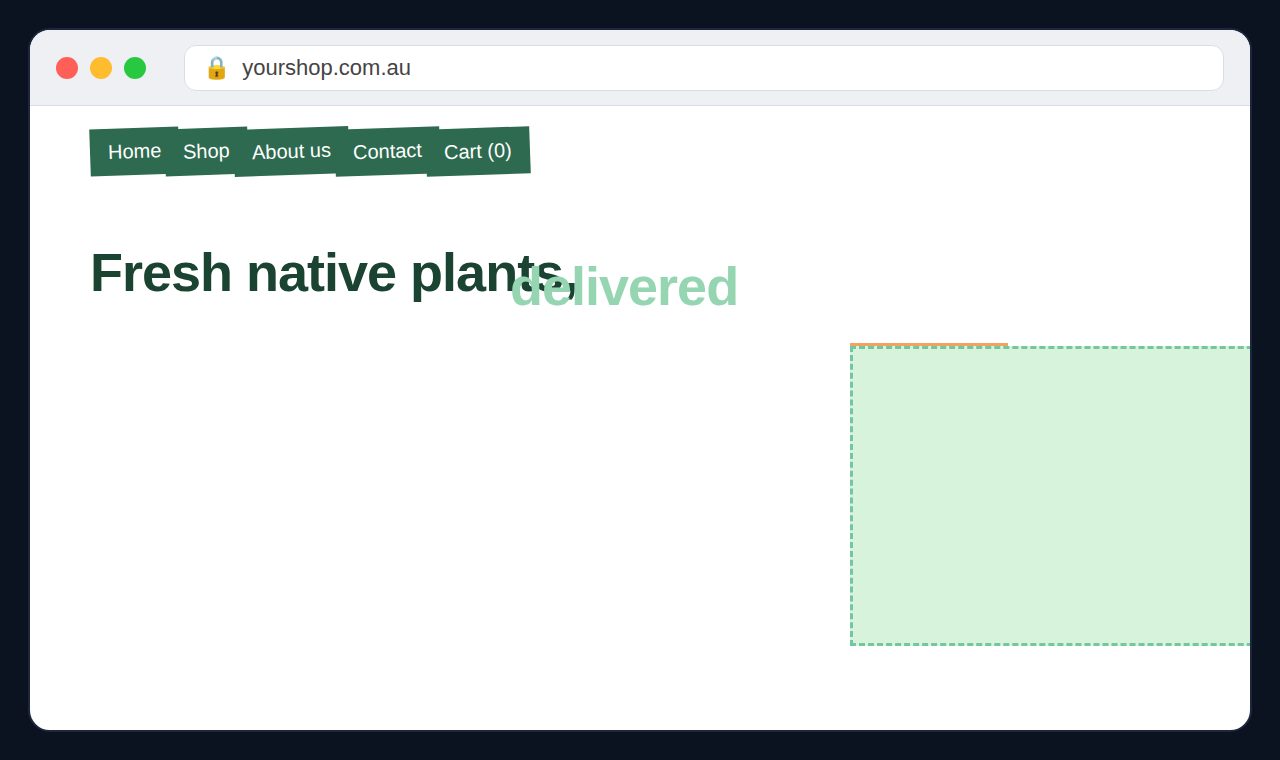
Layout all over the place
Menus overlapping, buttons gone on mobile. Mate fixes the CSS or template.
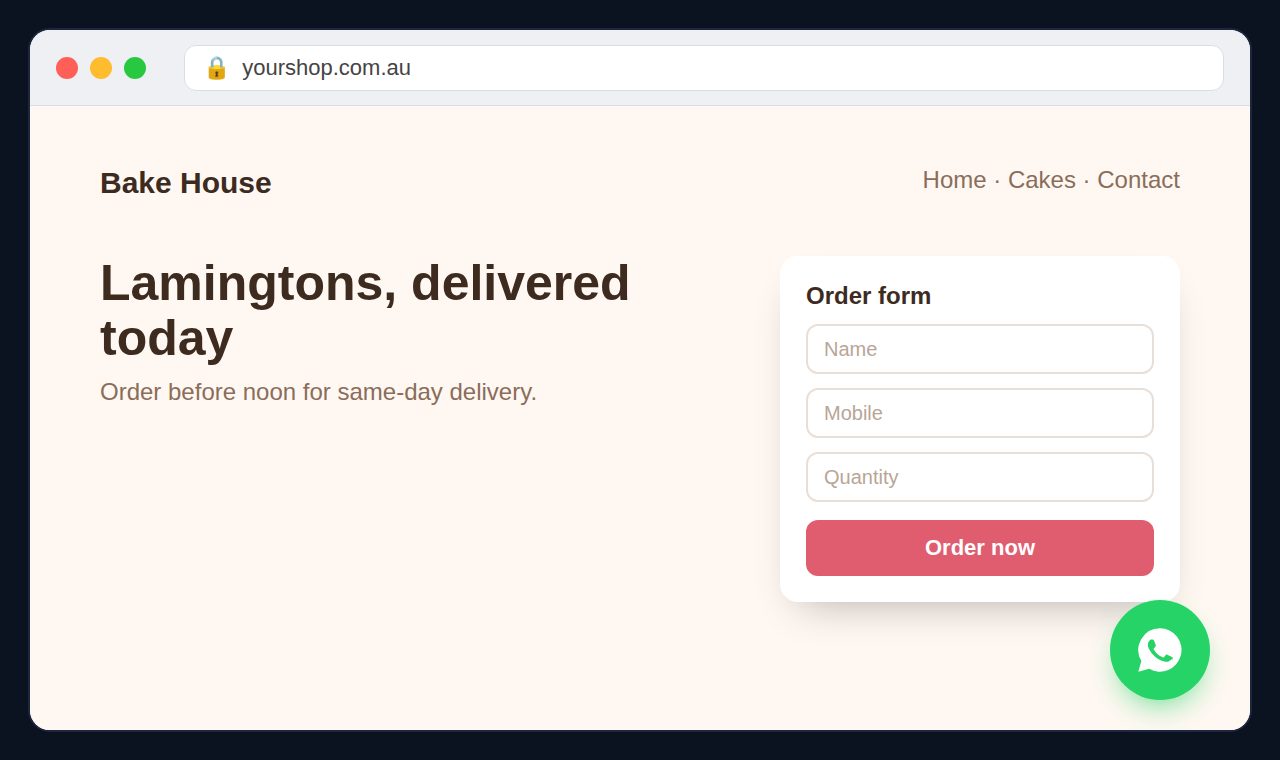
Features you wish you had
An order form, a WhatsApp button, a booking page. Ask and Mate builds it.
Whatever your site is built with, Mate can help.
WordPress and WooCommerce most of all, but also custom PHP, Laravel and JavaScript sites. Mate reads the code before it touches anything.
 WordPress
 WooCommerce
 Elementor
 PHP
 Laravel
 CodeIgniter
 JavaScript
 TypeScript
 Node.js
 React
 Vue
 HTML
 CSS
 Tailwind
 Bootstrap
 Python
Watch how it works, not just what we promise.
Three jobs run on our sample shop. Pick one and watch every command run, exactly as you'd see it in your panel.
Checkout goes back to home
Customers clicked Place order and landed back on the home page. Mate checked the orders, tested the payment provider, backed up and updated the payment plugin, then tested checkout again.
A point of sale from one request
One message asking for products, stock, change, receipts and a daily report. Mate built it as a separate plugin, checked the code and switched it on.
A full website audit
Mate checked the WordPress files against the official ones, users, search settings, uploads and plugins, then ranked what to fix first.
Four steps, all in one chat.
Open Mate from your Control Panel. There's nothing to install.
Tell Mate
Type what's wrong, or paste a screenshot of the error.
Mate investigates
It reads error.log, checks theme and plugin files and runs WordPress checks.
Fixed on the spot
The smallest change that works. Every file it touches is backed up first.
Check, or undo
Read the summary of what changed. Not happy? Undo puts the file back.
Mate can build real features too.
On WordPress, Mate builds bigger requests as a clean custom plugin, so they survive theme changes and updates.
Point of sale
Products, stock, a cashier screen, receipts and daily reports.
Bookings
Time slots, a booking form and a list of appointments for your business.
Memberships
Members-only pages and content locked to logged-in customers.
Dashboards
Sales or enquiry reports on a page in your WordPress admin.
API connections
Link your site to an outside service that offers an API.
Custom plugins
Features no ready-made plugin offers, built for the way you work.
Ask for a design, get a real preview.
No sketches or wireframes in the chat. Mate builds an actual page you can open on your phone or laptop, before anything goes live.
- A working preview page, not a mockup image
- Uses your words, colours and products
- Your live site stays untouched until you say go

Safe by design.
Mate works only through the tools in your Control Panel, on the one website you opened it from.
Always a backup
Every file is backed up before Mate changes it, and you can roll it back with one click.
Secrets stay hidden
Passwords and keys in your files are masked. Mate never shows them in the chat.
One website only
Mate works on the site you opened it from and refuses anything outside it.
Remembers your site
Each website keeps its own memory and chat history, so you don't repeat yourself.
Subscribe per website. Pay for work as you go.
Prices in AUD. Mate is available on AUHost web hosting plans, from your Control Panel.
Mate subscription
Mate for one website, with its own memory and chat history.
- Renews monthly, cancel any time
- 5 quick questions free every day
- Pay by invoice or with account credit
Work balance
Each job Mate does is charged from a separate balance, based on how much work it took. The cost shows under every reply.
- Top up from $5
- Quick questions don't use your balance
- Account credit is used if the balance runs out
// The $2 free credit is given once per customer when you first subscribe. Mate can make mistakes, so check the result. Every change can be undone.
Questions, answered straight
Still stuck? Email support@auhost.site. A real person replies, usually within 5 minutes.
What is Mate?
How much does it cost?
Can Mate break my website?
Which plans can use Mate?
Does Mate see my passwords?
Are the demos real?
Can I stop the subscription?
Your website, with an engineer on call.
Open Mate from your Control Panel and tell it what's wrong.
Talk with Mate