
The good news: the gap between “AI just wrote this for me” and “it’s live” has never been smaller. Here’s a practical approach that keeps the creative flow intact.
- Treat AI as Your Co-Pilot, Not the Final Authority AI coding tools are excellent at scaffolding, generating routes, writing middleware, and even suggesting deployment configs. Use them freely for speed. Then do a quick human review for the things AI still occasionally misses: environment variables, security headers, proper error handling, and dependency versions. A few minutes of checking saves hours later.
- Keep the Stack Simple and Deployable Most vibe-coding sessions produce Node.js apps (Express, Next.js, Fastify, Hono, etc.). Stick with familiar, widely supported runtimes so deployment stays boring — in a good way. Avoid exotic setups unless you specifically need them. The simpler the requirements, the faster you can go from local to live.
- Choose Hosting That Matches the Vibe You want something that:
- Supports Node.js natively
- Doesn’t force you to learn complicated DevOps
- Lets you go live quickly
- Still has real humans available when something unexpected happens
That’s where auhost.site fits naturally. The platform runs on modern Sydney servers (AMD EPYC + NVMe), includes built-in Node.js support, Redis, and one-click tools, and keeps pricing transparent — starting at $1/month with no later price jumps. Free human migration is available if you’re moving an existing project.
- A Straightforward Deploy Flow
- Finish (or refine) your AI-generated code locally.
- Push it to a Git repo or simply upload the files.
- On auhost.site, create a new site or Node.js environment in the panel.
- Point your domain (or use the temporary URL to test).
- Set your environment variables and start the process.
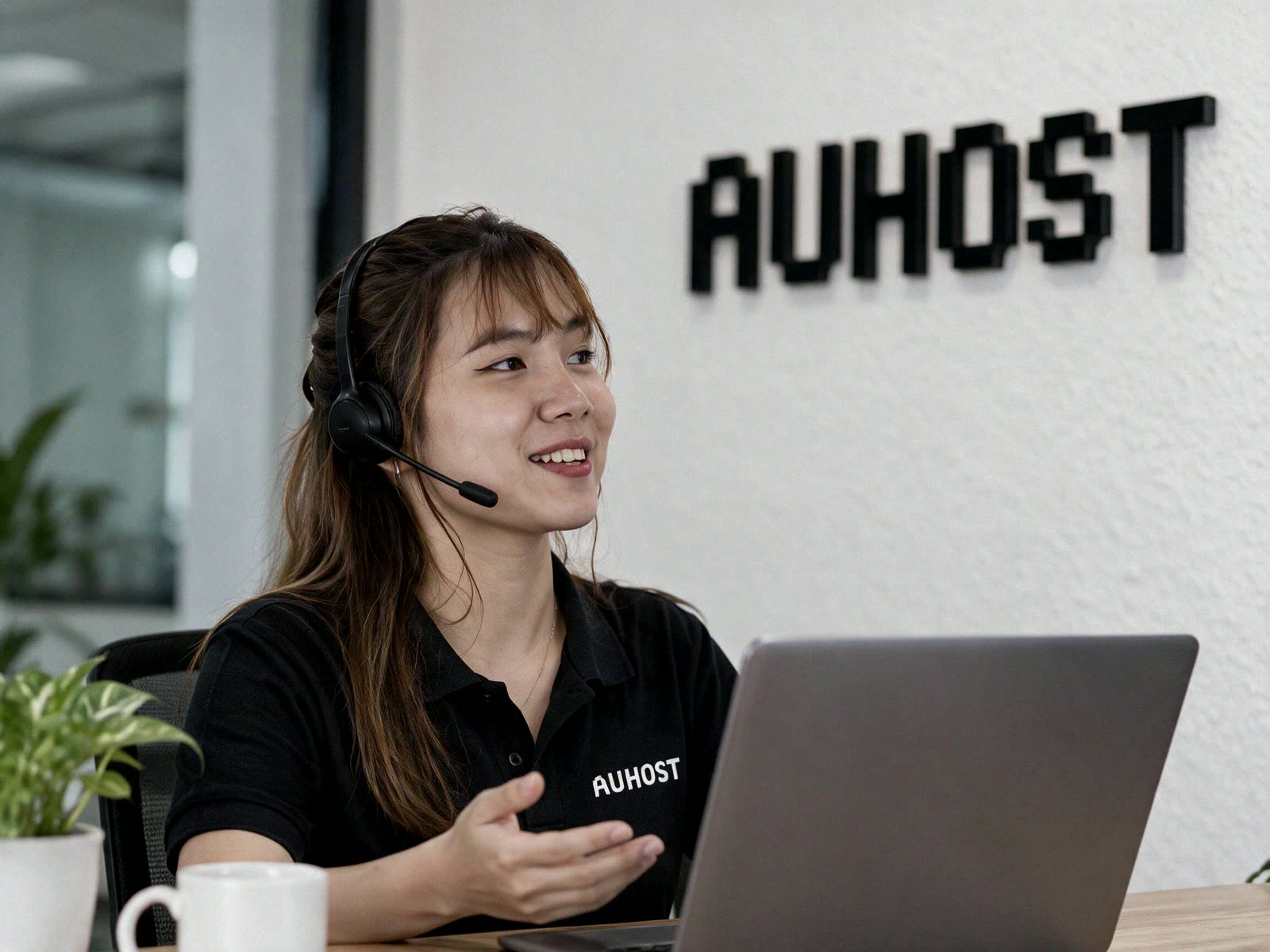
- If anything feels unclear, the Real support team can walk you through it — real people, not just automated replies.
Many builders go from “AI finished the feature” to a public link in under 15–20 minutes once they’re familiar with the flow.
- Keep Iteration Easy Because the hosting environment stays consistent and support is responsive, you can keep the same vibe: ask the AI for changes, push updates, and see them live quickly. No need to fight infrastructure every time you want to ship a new idea.
Vibe coding is about staying in flow and shipping. The right hosting removes the friction that usually breaks that flow. If you’re building Node.js projects with AI assistance and want a straightforward place to put them online, auhost.site is set up exactly for that — modern servers in Sydney, native Node.js support, transparent pricing, and humans ready to help when you need them.
Head over to auhost.site, pick a plan, and get your next AI-assisted project live.